Complete Flow
Homepage, AI lab, about, case studies, workflow, visual proof, and contact in one scan-friendly build.
AI-enhanced web design portfolio
This DREAMIREZ portfolio shows how AI can help shape stronger concepts, faster copy, visual direction, responsive layouts, cinematic transitions, creative content, and practical website support.
Level 1 portfolio checklist
The page is structured as a focused portfolio so clients can quickly see the thinking, visual direction, AI workflow, and practical web work behind it.
Homepage, AI lab, about, case studies, workflow, visual proof, and contact in one scan-friendly build.
Menu links jump to the major sections clients expect, with the new scan-line transition preserving the animated feel.
Creative direction, content concepts, image ideas, copy, and page structure show what AI can help produce.
Typography, imagery, responsive cards, buttons, and forms are presented as a finished website sample.
AI website design lab
This section is the ad inside the portfolio: AI can help create mood, copy, page structure, campaign angles, interaction ideas, image direction, and client-ready variants faster than a blank-screen workflow.
Clients can see how one portfolio or business site can shift tone for different audiences while preserving strong navigation, content hierarchy, and conversion paths.
AI concept: premium brand
AI supports the mood board, headline options, content sections, visual references, and conversion-focused calls to action.
Use AI to explore page sections, content hierarchy, headline directions, and responsive layouts before building.
Generate mood options, image concepts, color directions, and before/after presentation ideas for a client to react to.
Draft headlines, service language, project summaries, contact copy, and campaign-style calls to action.
Prototype transitions, state changes, confirmation messages, menus, and motion ideas that make the site memorable.
Turn one finished site into seasonal versions, audience-specific landing pages, social snippets, or promotion pages.
Use AI to troubleshoot forms, explain updates, review code changes, and keep client communication clear.
About the portfolio

This portfolio piece is intentionally practical: a visitor can understand the work, scan the creative process, see proof, and contact David without needing instructions.
Works / case studies
These examples are written like case studies so the portfolio communicates judgment, process, and follow-through.
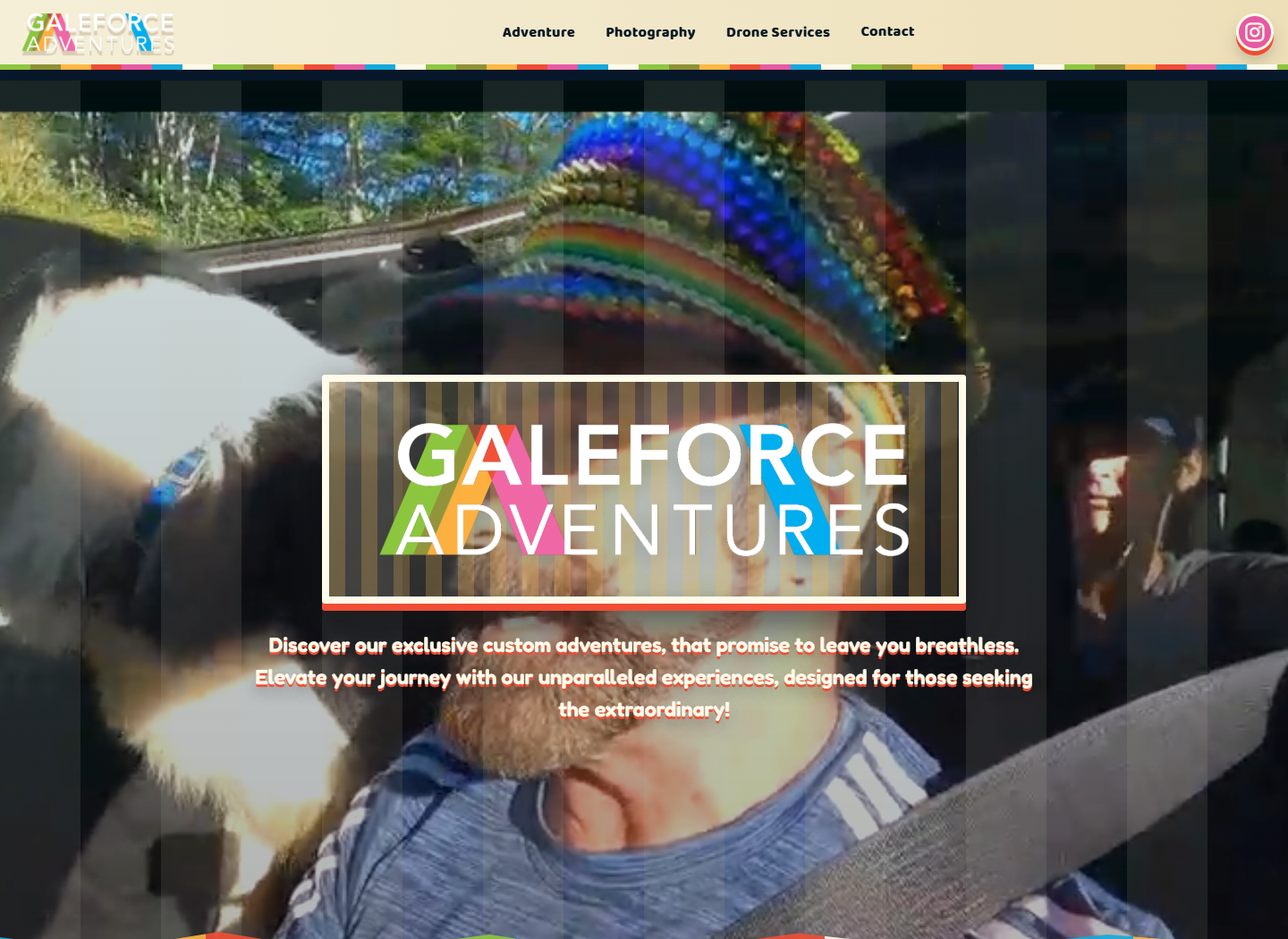
A practical web update focused on replacing a static retro image with stronger motion-based homepage media, tightening the page experience, and keeping the site easy to browse.
The homepage needed a more active visual hook and a cleaner presentation.
Updated the hero media direction, video source, and section behavior.
Used AI to compare layout options, check code changes, and refine wording.
A more cinematic first impression with simpler media handling.
A real-world support case study around website updates, troubleshooting, contact form behavior, redirects, hosting details, and keeping a site reliable.
Small issues can break trust when a form, link, or page update fails.
Checked visible behavior, cleaned page details, and tracked fixes clearly.
Used AI for troubleshooting paths, message drafts, and code review support.
More dependable communication and cleaner handoff for web updates.

A creative workflow for quickly exploring campaign ideas, visual directions, landing-page sections, hooks, and image concepts before choosing the strongest final direction.
Creative teams need usable options without losing time to blank-page thinking.
Generated directions, refined prompts, selected visuals, and edited the output.
Used AI for mood, headlines, image prompts, and layout variations.
Faster starting points with human selection and final polish.
Before / after visuals
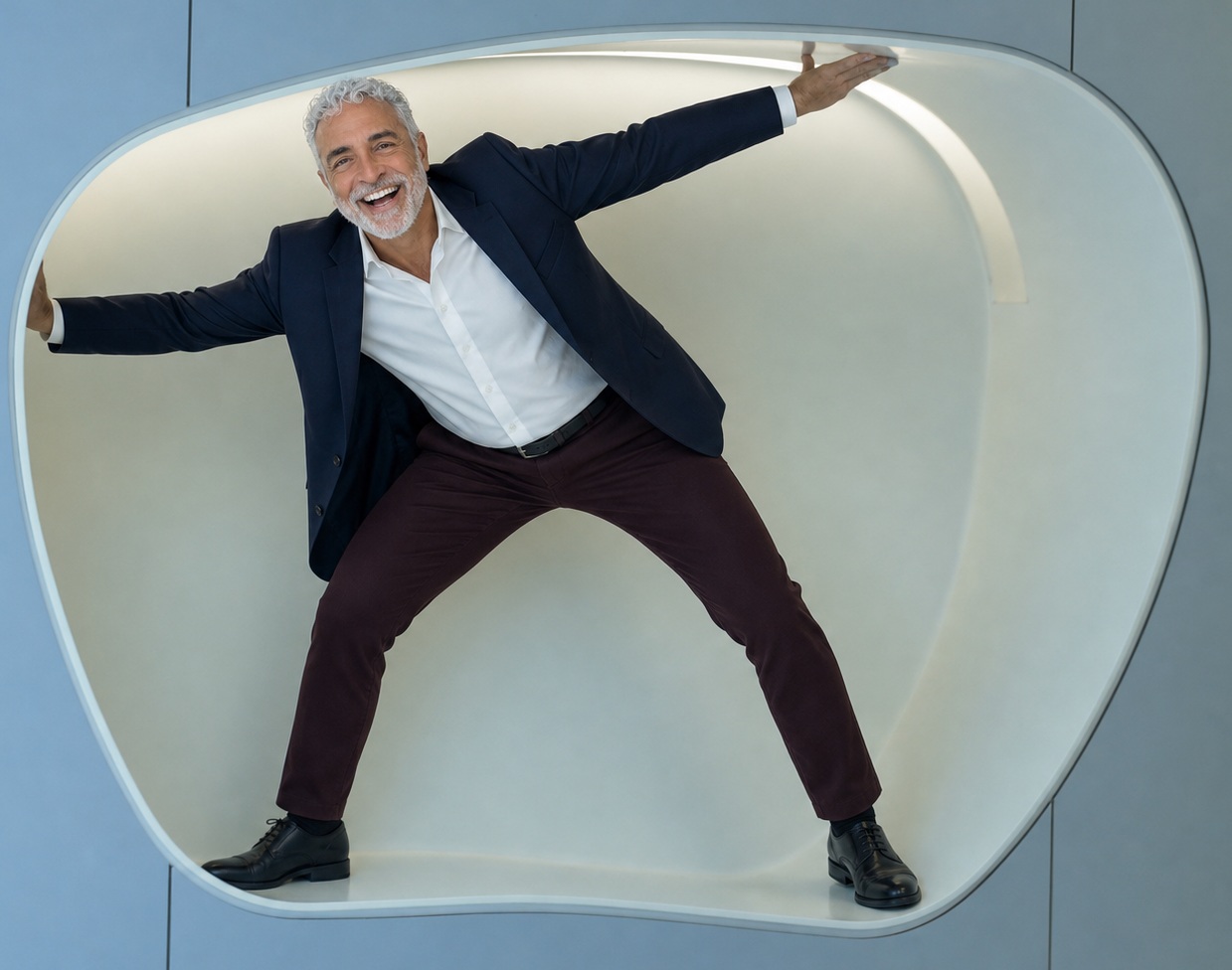
Before and after blocks make the portfolio easier to scan because the improvement is visible before someone reads the full case study.
 Before
 After
After
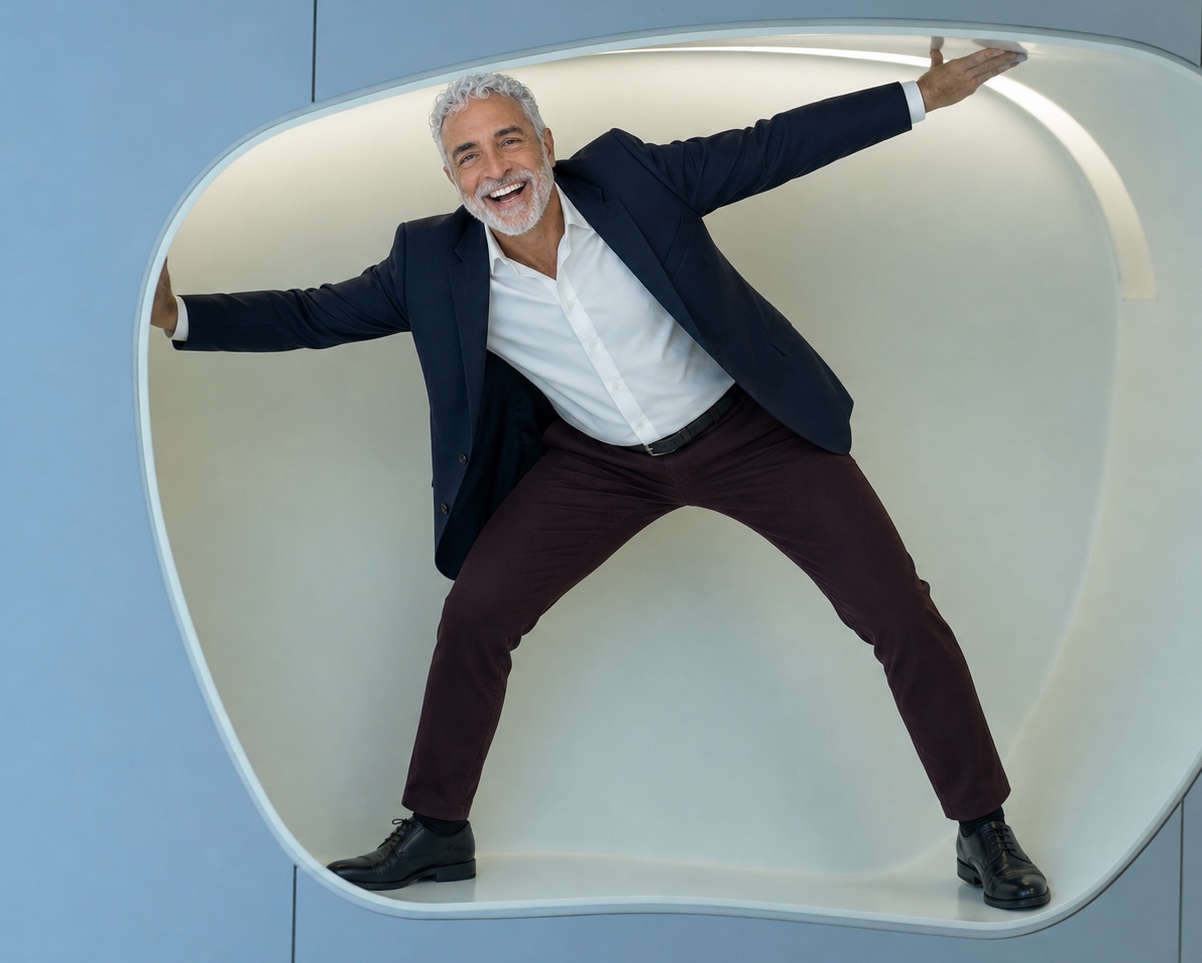 Before
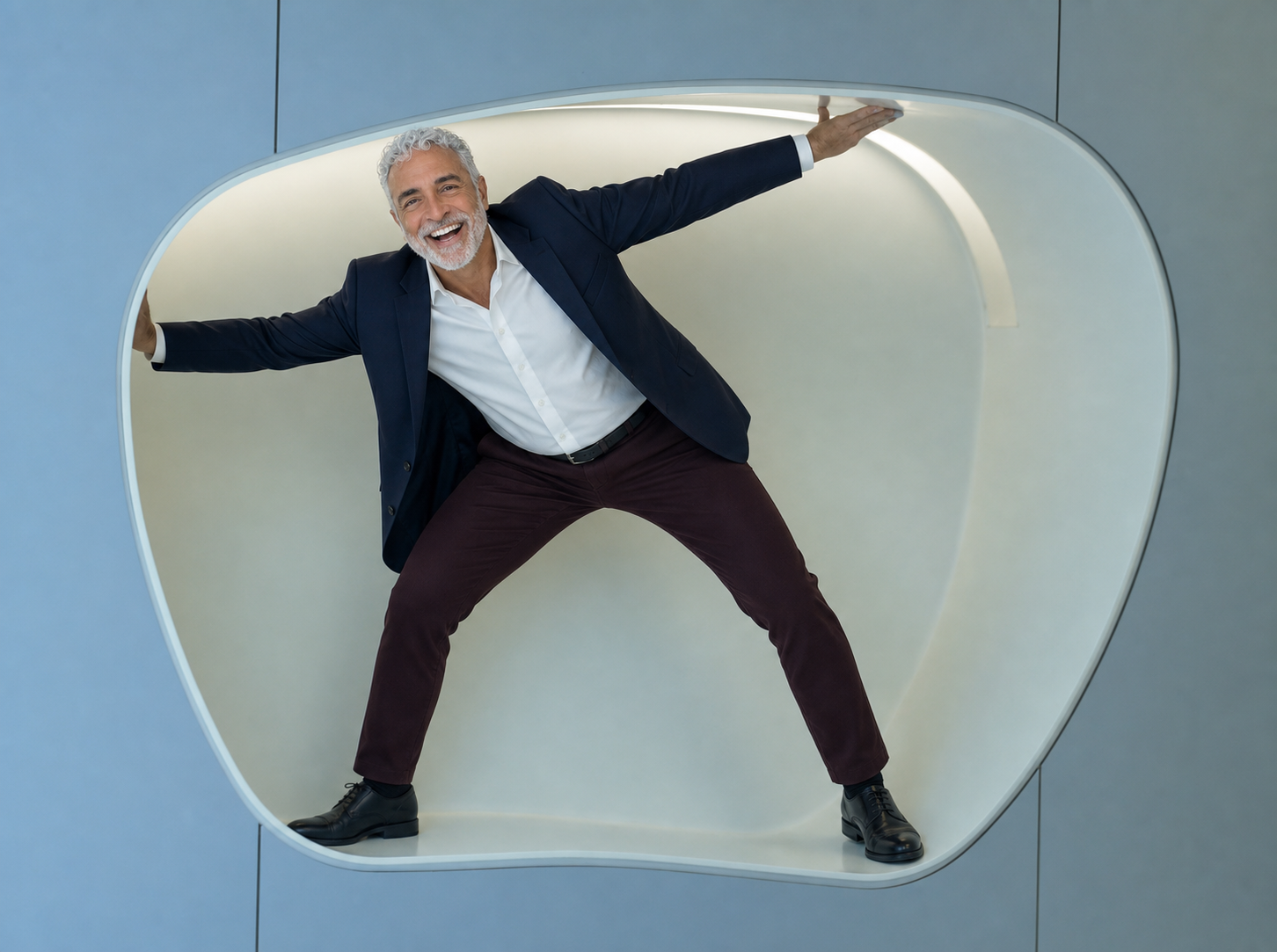 After
After
Working web projects
This section gives hiring managers or clients direct paths to working pages, not only static images.
This rebuilt page with overlay navigation, case studies, AI workflow, and contact form.
Open PageA working local page that can be used as a baseline for comparison or production updates.
Open PageAn alternate visual direction showing style exploration and layout experimentation.
Open PageThe portfolio keeps a usable contact form plus a direct email path for practical follow-up.
Open ContactDemo reel
A planned reel for quick clips that show the work in motion: website transitions, before/after design changes, AI-assisted creative process, and practical support walkthroughs.
A short tour showing the page structure, navigation flow, responsive layout, and final visual polish.
A quick screen recording showing how AI supports planning, layout ideas, copy refinement, and code troubleshooting.
A process clip for graphic design, typography, color choices, image cleanup, or campaign visuals.
A practical support clip about fixing forms, checking redirects, updating pages, or explaining site changes.
A concise development clip for a responsive layout fix, navigation improvement, or animation upgrade.
A quick comparison showing what changed visually, why it changed, and how the finished version improved.
AI-assisted workflow
This short workflow section explains AI use clearly without making the whole portfolio feel like a tool demo.
Use AI to outline page sections, case-study structure, content angles, and alternate creative directions.
Generate visual references, compare layouts, test headlines, and refine before/after presentation ideas.
Use AI to review HTML, CSS, JavaScript, responsive behavior, media embeds, and form logic.
Use AI to draft clear updates, troubleshoot issues, explain fixes, and keep client communication calm.
Contact
I can help with small business pages, portfolio sites, responsive layouts, content graphics, AI-assisted drafts, before/after presentation, and customer-facing web support.